0330 123 4609
Menu
iOS 26 is here! Check out key features and whether your phone is compatible.

Written by Sneha Kashyap, Content and PR Executive | Conscious Consumption and Tech Trends
Last updated on 10 March 2026
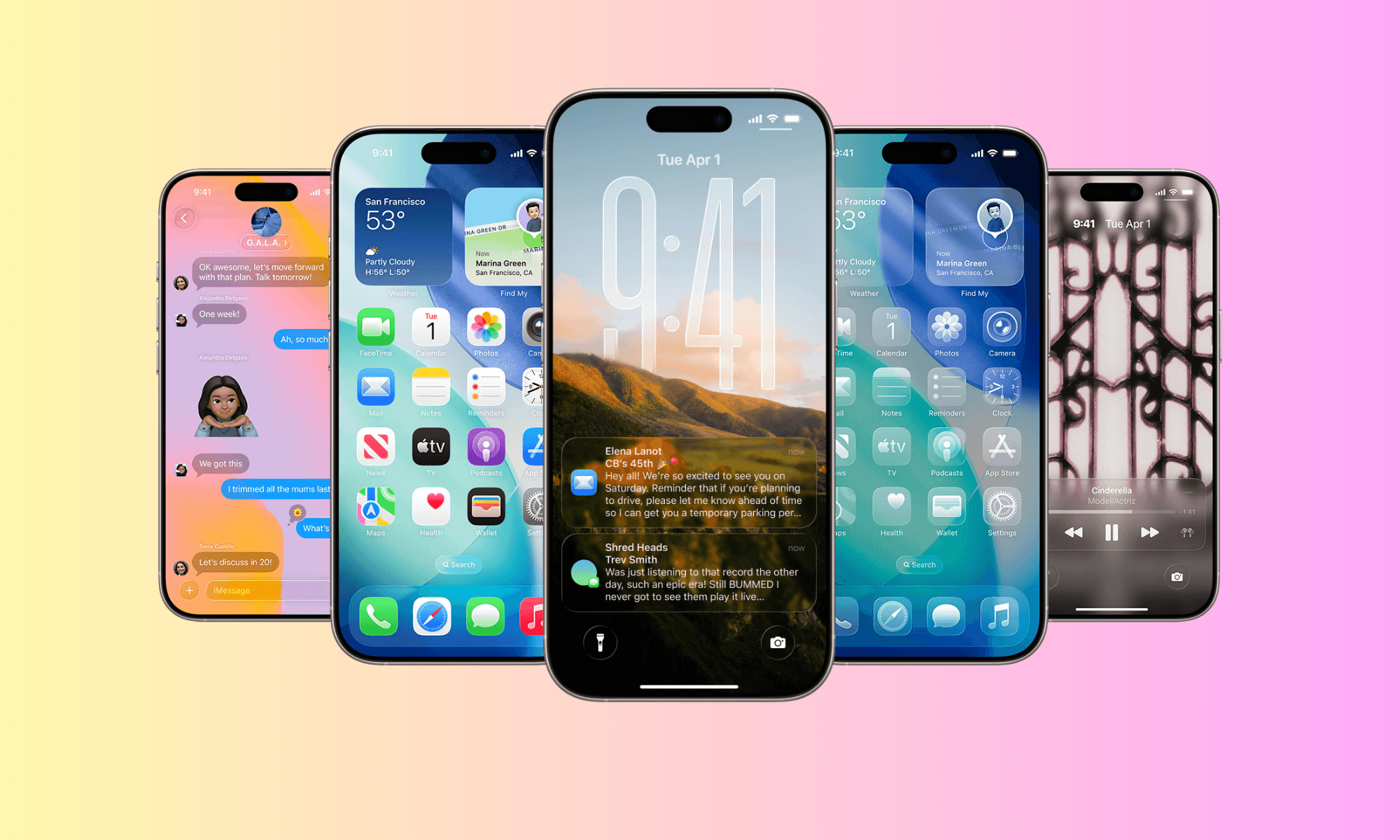
Apple has officially unveiled iOS 26, which comes with a host of advanced AI features, better performance, and improved personalisation. But the key question is: Is your phone compatible with iOS 26?
Apple, typically, offers software updates for devices up to six years, but not all iPhones receive the same iOS experience. Some of iOS 26’s most exciting features such as real-time AI translation or on-device generative AI will be limited to newer models like the iPhone 16 and iPhone 17 series, thanks to their cutting-edge chipsets.
If you have an older iPhone, you need to check whether your device supports iOS 26. In this guide, we’ll breakdown
Let’s dive into the full compatibility list, and what it means for your device’s future.
Here is the full list of iPhones that support iOS 26:-
iPhone SE (2nd generation), SE (3rd generation)
iPhone 11, Pro and Pro Max
iPhone 12, 12 Pro and Pro Max, 12 Mini
iPhone 13, 13 Pro and Pro Max, 13 mini
iPhone 14, 14 Pro and Pro Max, 14 Plus
iPhone 15, 15 Pro and Pro Max, 15 Plus
iPhone 16, 16 Pro and Pro Max, 16 Plus, 16e
iPhone 17, 17 Pro and Pro Max, 17e
iPhone Air
Apple
Not all iPhones compatible with iOS 26 will support all the features of Apple’s latest operating system. Some of iOS 26’s headline features require cutting-edge hardware, particularly the new A18 and A19 chipsets found only in Apple’s latest flagships. Currently, features like Apple Intelligence, Visual Intelligence, and Live Translation are available on iPhone 15 Pro models as well as on the iPhone 16 and 17 series.
The advanced features of iOS 26 come with a whole new layer of AI functionality. We're talking about features like your iPhone being able to understand what’s on your screen, create custom emojis just for you, and even translate conversations in real time - all processed directly on your phone.
If you're using an older iPhone such as an iPhone 11, for example, you'll still receive iOS 26, but with some limitations.
Here are the models with partial support:
iPhone 14 series
iPhone 13 series
iPhone 12 series
iPhone 11 series
iPhone SE (2nd & 3rd Gen)
No generative AI tools in Photos
Limited AI-based Siri responses
No real-time voice translation
Slower performance in multitasking and background app management
Reduced Live Speech and accessibility enhancements
Limited 'Liquid Glass' functionality
Reduced battery life and slower performance
These models have older chips, which lack the processing power and RAM needed to run some iOS 26 features smoothly.
As per Apple’s latest report on software updates, you might notice your battery draining. For most users, this is temporary and quite normal as the device needs power to install a major update. Six months down the line however, some users continue to report higher-than-usual battery drain and occasional performance slowdowns. Shortly after installing the update, increased power usage is still considered normal as the system completes background processes such as indexing files, optimising photos, downloading system assets, and updating apps. These tasks can temporarily affect both battery life and device temperature until they finish running.
Overall, battery performance can vary depending on factors such as device age, battery health, and app optimisation. In some cases, background activity from certain apps or new system features may contribute to faster battery consumption, especially on older devices where hardware resources are more limited.
That being said, Apple has a solid track record of maintaining usability across older devices. If you have an iPhone 11 or newer, iOS 26 should still feel stable and a few battery optimising tips might help.
Apple continues to maintain the bar for software longevity, offering iOS 26 to phones released in 2019. But as iOS becomes increasingly reliant on AI and on-device processing, hardware is becoming a bigger factor in what your phone can actually do.
If your iPhone is missing out on key updates like Apple Intelligence or Live Translation, it might be the right time to consider a trade-in or upgrade. Selling your phone now, while it still holds value and runs the latest software, can help you get the best offer.
6G could change your phone faster than you think, but the biggest shift may not be speed.
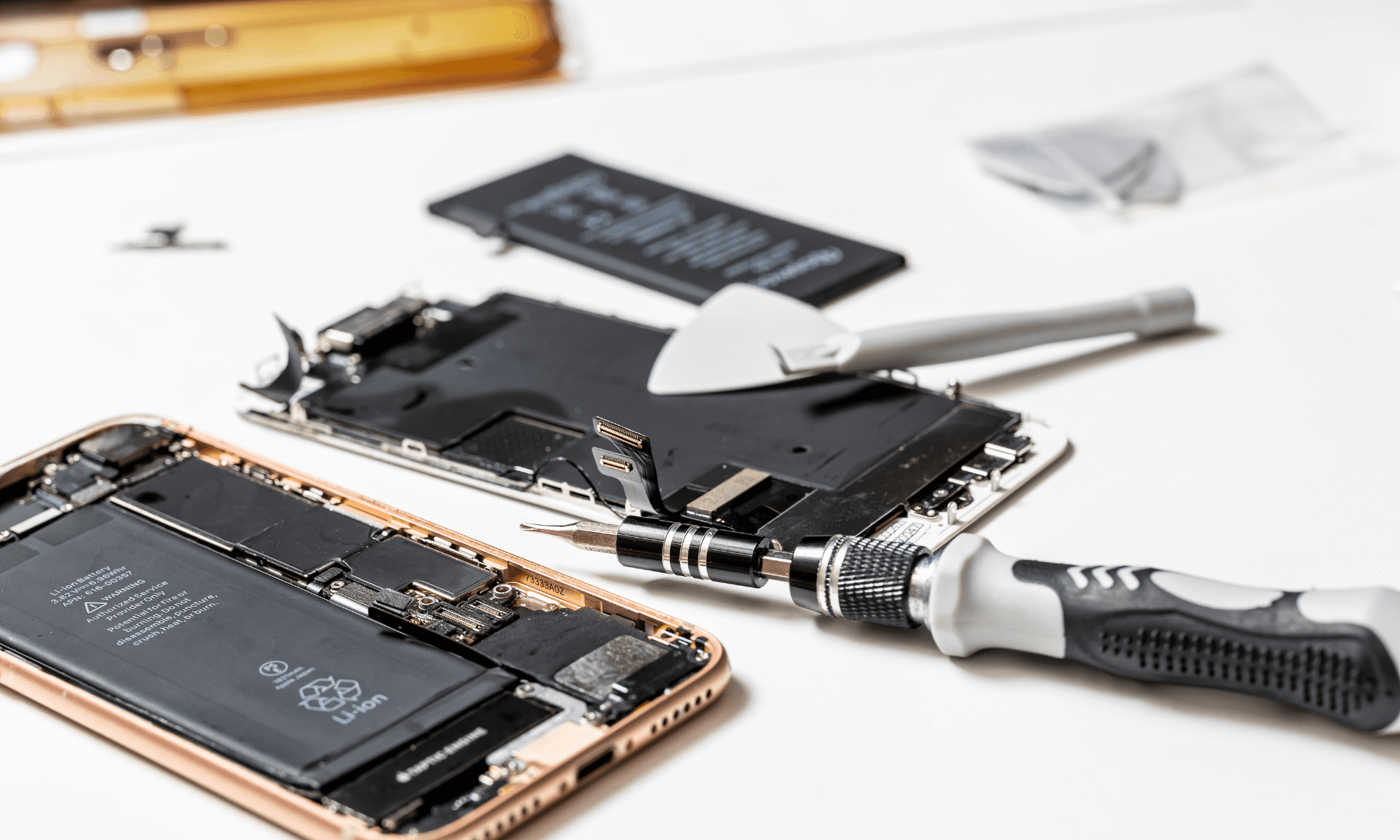
The EU’s 2027 battery rule sounds simple, but hidden details could reshape smartphones and how long they last.
That quick glance at your phone while driving could cost more than you think… but the real consequences might surprise you.