0330 123 4609
Menu
iOS 26 is packed with smart features such as live translation and call screening. Find out what’s new and how to get the most out of your iPhone.

Written by Sneha Kashyap, Content and PR Executive | Conscious Consumption and Tech Trends
Last updated on 28 August 2026
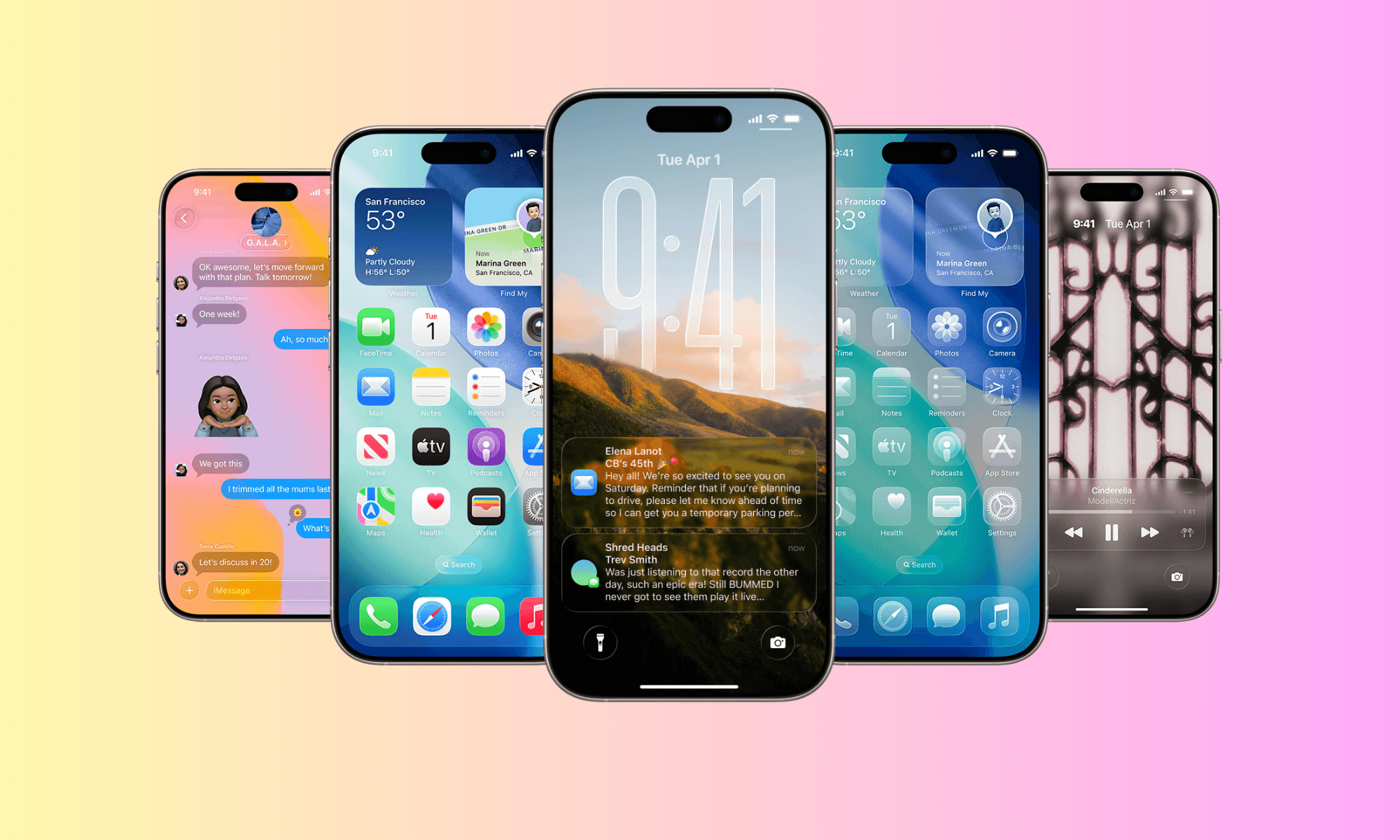
Apple’s newest software update, iOS 26, comes with a lot of useful upgrades. Some of the best features are easy to miss, but they’re worth using. Whether you’ve already updated or are thinking about it, this guide will walk you through the top iOS 26 features that are worth checking out.
From real-time translation to intelligent call screening, these tools can elevate your iPhone experience. Let’s dive into what they are so you know how to find and use them.
With iOS 26, you can get your iPhone to handle unknown calls for you. Call Screening uses AI to ask unknown callers to identify themselves before your phone rings. You’ll see a live transcription so you can decide whether to answer, decline, or block the number.
How to enable Call Screening:
Go to Settings > Apps > Phone > Screen Unknown Callers > Ask Reason for Calling.
Credits: Apple, Stuff
Hold Assist is another handy addition: it waits on hold for you during support calls and alerts you when a real person joins.
How to use Hold Assist:
Go to Settings > Apps > Phone > Hold Assist Detection.
Live translation is now built into everyday communication so you don’t need to switch between apps anymore. Whether you're texting, FaceTiming, or speaking on a call, iOS can automatically detect languages and provide on-screen translations.
Real-time translation is quite impressive, but currently, it’s limited to English (UK, US), French, German, Italian, Spanish, Portuguese, Chinese, Japanese, and Korean.
Credits: Apple
How to use Live Translation:
In Messages: Open a conversation > Tap on the person’s name > Scroll down and turn on Automatically Translate.
In Phone/FaceTime: Tap the More button > Live Translate icon during the call.
Set your preferred languages in Settings > General > Language & Region > Live Translate.
Note: This feature requires Apple Intelligence and is limited to iPhone 15 Pro models and newer ones.
iOS 26 takes iPhone battery optimisation to the next level. Unlike the traditional Low Power Mode, Adaptive Power learns your usage patterns and automatically optimises background activity and system performance when needed, without sacrificing functionality.
Credits: Jeff Carlson
Adaptive Power Mode is on by default on Apple’s latest iPhone 17 series and the iPhone Air. On all other iOS 26 compatible devices, you need to manually turn it on.
How to turn on Adaptive Power Mode:
Go to Settings > Battery > Power Mode.
Select Adaptive instead of Standard or Low Power.
Tap “Battery Usage” to see how it’s affecting performance.
Visual Intelligence is a new AI feature on iOS 26 that lets you interact with anything visible on your iPhone screen. You can now:
Tap and hold on an image to extract text, search it, or get contextual info
Ask Siri to summarise or explain a screenshot
Create calendar events or reminders based on what's shown on-screen
This is part of Apple’s new Apple Intelligence suite, bringing smart, contextual features without sharing your data to the cloud.
Credits: MacRumors
How to use it:
Take a screenshot > Tap the preview > Select the "Ask" or “Info” icon.
Or just long-press on text/images in Safari, Messages, and Notes.
You can also say, “Siri, what’s on my screen?”.
Note: You’ll need an iPhone 15 Pro or newer to use Visual Intelligence.
Messages gets a significant upgrade in iOS 26, making group chats a lot more interactive. Here's what's new:
Polls: Easily create a poll in any conversation.
Custom Chat Backgrounds: Set unique backgrounds per conversation, or use AI-generated ones.
Unknown Sender Filtering: Messages from unknown numbers are auto-sorted into a separate tab and silenced until approved.
Credits: iDB
How to use it:
For polls: Open Messages > Tap "+" > Select Poll.
For chat backgrounds: Open Messages > Tap contact or group icon > Tap Background.
For filtering: Go Messages > Tap on the three lines in the top right corner > Turn on Screen Unknown Senders.
iOS 26 reflects Apple’s continued shift toward personalised software powered by Apple Intelligence. Features like adaptive battery management, live translation, and screen-aware AI work quietly in the background or require user activation, which means they’re easy to miss, but incredibly valuable once discovered. As Apple continues to integrate AI-driven features into its ecosystem, iOS 26 sets the foundation for a more responsive and intuitive iPhone experience going forward.
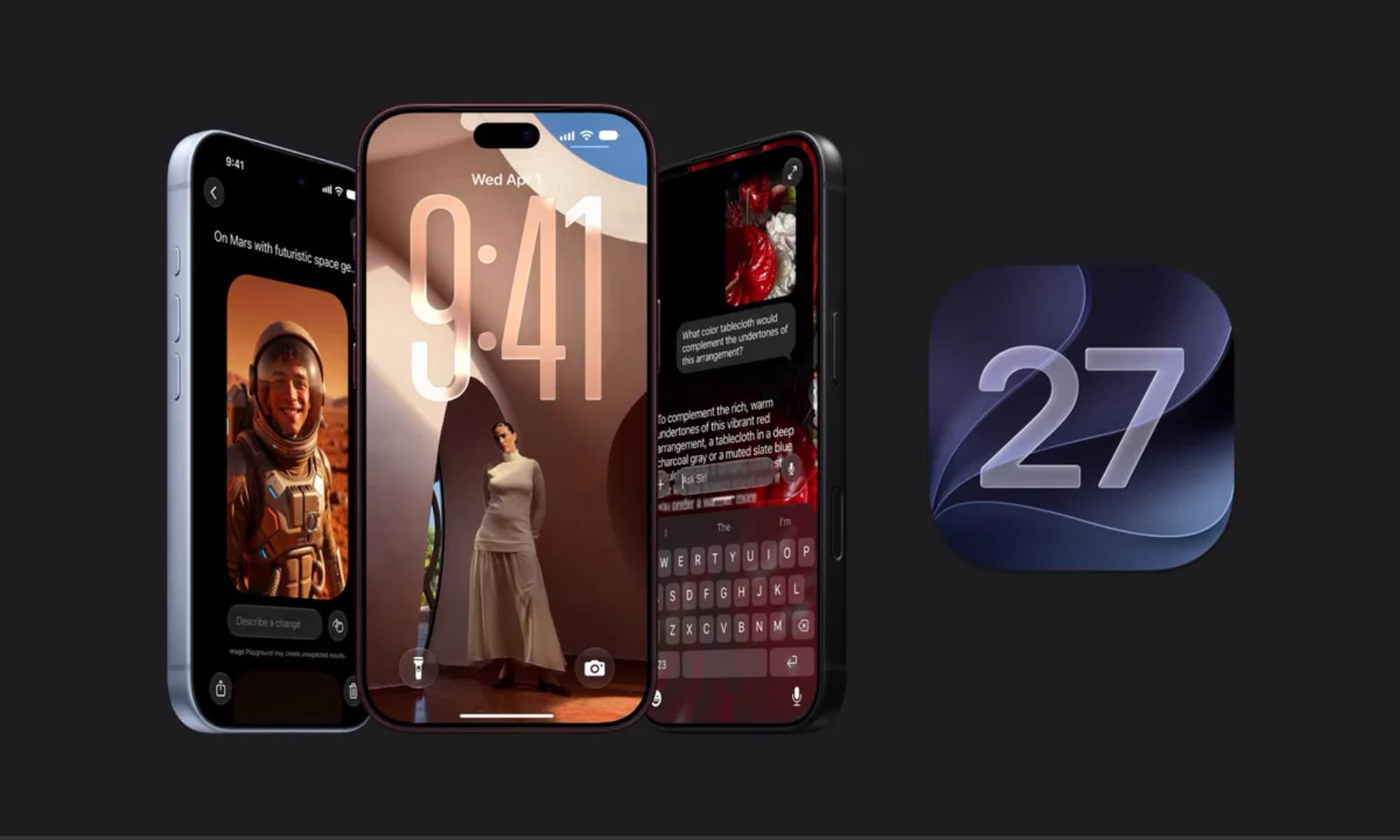
iOS 27 is here with a host of hidden tools, smarter AI, and useful upgrades. Could it change how you use your iPhone?
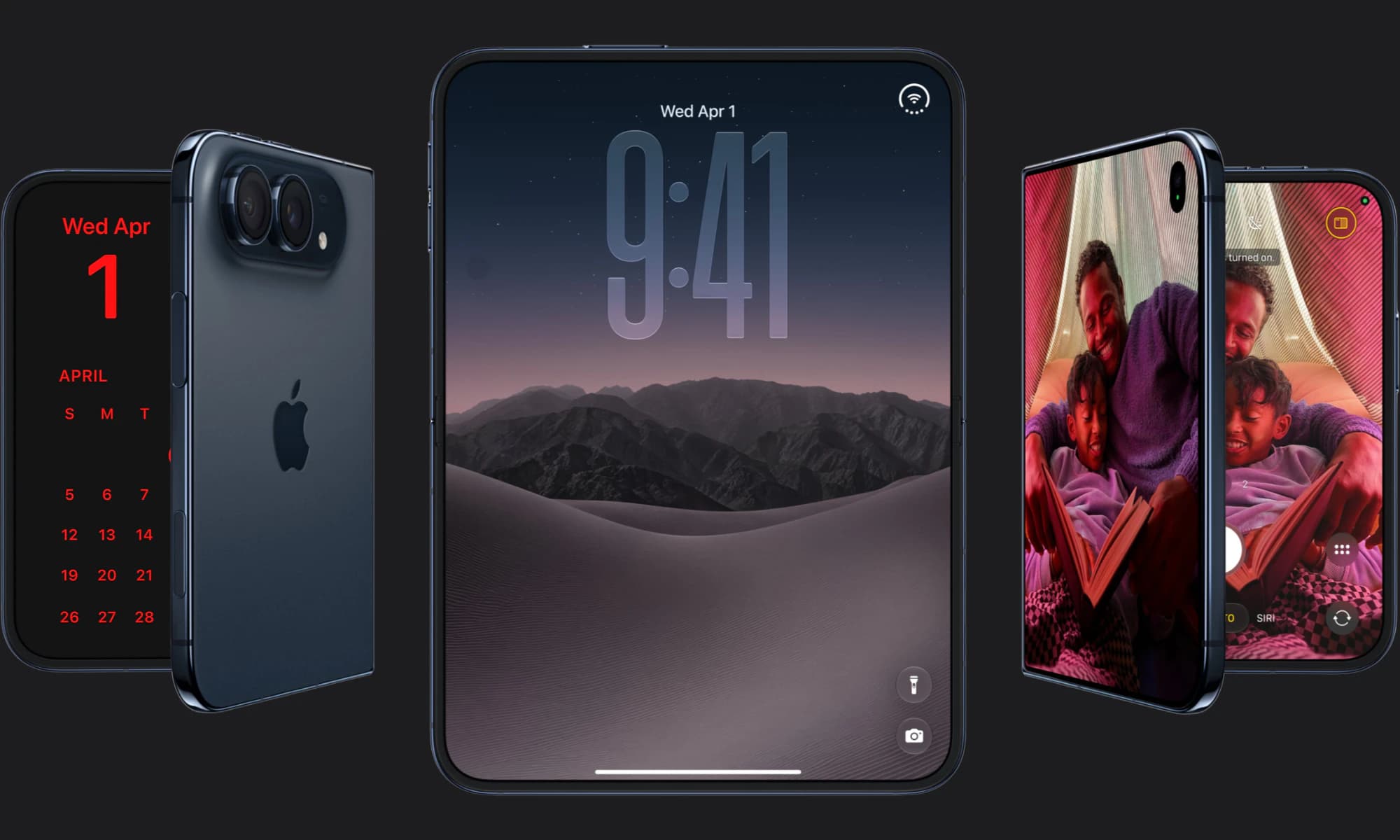
Apple has finally joined the foldable party after seven years, but was it right to wait?
iOS 27 is here! Check out key features and whether your iPhone is compatible.