0330 123 4609
Menu
Apple’s new Liquid Glass UI explained - its pros, cons and how to adjust it if it's not for you.

Written by Sneha Kashyap, Content and PR Executive | Conscious Consumption and Tech Trends
Last updated on 23 September 2026
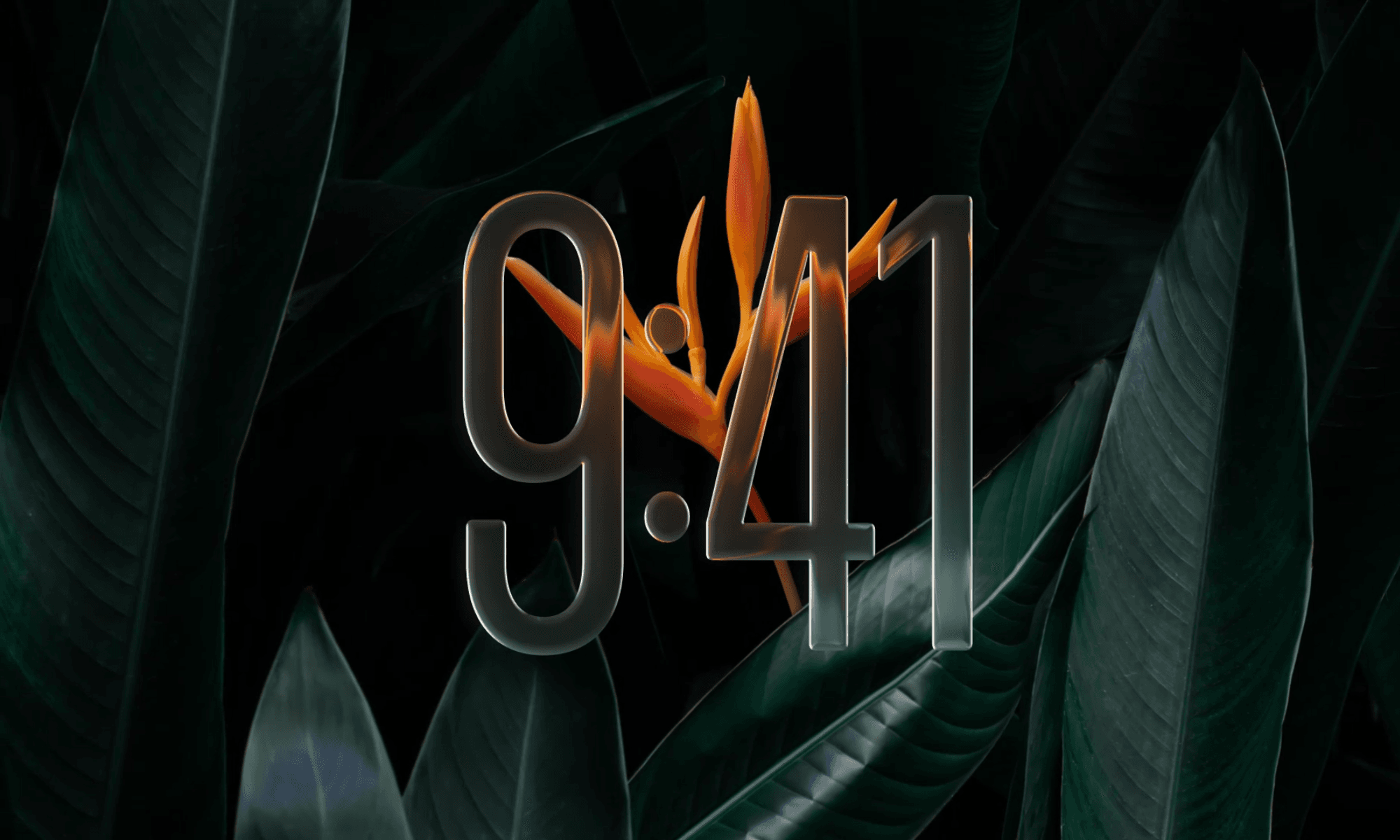
Apple’s latest design update with iOS 26 includes a strikingly new visual language called Liquid Glass. This layered interface is unlike anything seen in the previous versions of iOS. But while some users are praising the change as a bold evolution, others are questioning its practicality.
In this blog, we break down:
Liquid Glass is the new look brought by the iOS 26 software update to compatible iPhones. It is translucent, reflective, and layered, making the interface feel more alive with light bouncing off UI elements, content subtly visible through menus, and app icons that appear to float in space.
You’ll notice it in:
Home screen icons and widgets – now glassy, tinted, or fully transparent
Control Centre and Notification Centre – with frosted, floating panels
Lock screen clock – dynamically adjusts around your wallpaper
Menus, toolbars, and overlays – refracting light and reacting to movement
Apple calls it a “delightful and elegant” upgrade that brings the interface to life. For some, it’s exactly that. For others… it’s a headache (literally, in some cases).
Credits: Apple
While Liquid Glass has sparked plenty of debate, it’s only fair to recognise that some users are loving what it brings to the table. Let’s take a look at what’s winning people over.
1. Fresh, Modern Look
After years of flat design, Liquid Glass feels dynamic, layered, and visually rich. It brings a sense of depth that fans say gives iOS a new personality.
2. Customisation and Responsiveness
iOS 26 allows you to choose between tinted or fully clear icons and widgets, offering more aesthetic control than ever. Users have even reported that iPhones feel snappier and more responsive with the new interface having a sense of speed and polish that flat UIs lacked.
Icons and widgets in iOS 26 Liquid Glass.
Credits: Mashable
3. Interaction Effects
From the bubble-like Lock Screen keypad to the way notifications bounce and settle, for some users Liquid Glass is making everyday actions feel more tactile. You’ll notice it in small things such as how the light shifts when you tilt your phone and UI elements interact. While some find it immersive, for others, it can be overbearing.
4. Nostalgia
Behind the technological sophistication of Liquid Glass, there is also a nostalgic appeal for many. Apple seems to have revived its skeuomorphic roots with slick icons and subtle light refractions.
For many users, the shine wears off quickly with Liquid Glass feeling distracting and even unnecessary. Let’s dig into the frustrations that are fuelling the backlash.
1. Readability and contrast issues
Some users report difficulty reading text layered over translucent or busy backgrounds, particularly in menus and notifications. Apple has finally listened and provided us Liquid Glass adjustment settings, alongside a host of new features on iOS 27.
2. Performance lag on older devices
The rendering demands of Liquid Glass can cause stuttering or slower animations on iPhone 12 or older.
3. Distraction or sensory overload
Not everyone enjoys the shimmer, motion, or “floating” panels. Some find the visual effects overwhelming or inconsistent.
4. Accessibility concerns
Users with low vision or sensitivity to motion may find Liquid Glass challenging. In a classic Apple fashion, you can’t disable Liquid Glass or turn it off, but fortunately, there are a few settings you can adjust to minimise the Liquid Glass effect.
Credits: UX Design
If you’re struggling with iOS 26’s new look, you’re not alone. Apple’s built-in accessibility options can help tone it down without losing core functionality.
This setting removes most of the blur and frosted-glass backgrounds.
Go to Settings > Accessibility
Tap Display & Text Size
Toggle Reduce Transparency to ON
For even better visibility:
Stay in Display & Text Size
Toggle Increase Contrast to ON
Credits: MacRumors
This adds more solid backgrounds and darkens interface elements for better legibility.
You can switch Liquid Glass effects on/off quickly by enabling an Accessibility Shortcut:
Go to Settings > Accessibility > Accessibility Shortcut
Choose Reduce Transparency
Triple-click the side or Home button to activate it
You can also add this toggle to your Control Center for quick access.
Credits: iDG
As a tech recycling company, we’ve tested iOS 26 across various generations of iPhone, and here’s what we’ve seen:
iPhone 13 and up handle Liquid Glass smoothly.
iPhone 11 and SE models may show lag or animation stutters.
Older devices (iPhone XR, iPhone 8) are not compatible with iOS 26.
If you don’t like the early feedback from reviewers and upgraders, and you do own an iPhone older than iPhone 13, it might be best if you do not update your iPhone to iOS 26, as once installed, there’s no way back and you will have to get used to the Liquid Glass being permanently on your iPhone as well as intermittent lag and slow animations.
If you love design and use a modern iPhone — Liquid Glass is likely worth it. It’s elegant, immersive, and feels like a true next-gen iOS experience.
If you prefer clarity and simplicity — you may want to reduce the effects using accessibility settings.
If you use an older iPhone — you’ll want to check performance before updating or using Liquid Glass-heavy features.
Ultimately, Liquid Glass in iOS 26 represents a bold shift. For many, it's a welcome visual refresh. For others, it’s a change that begs the question: “Even if you can, should you?”.
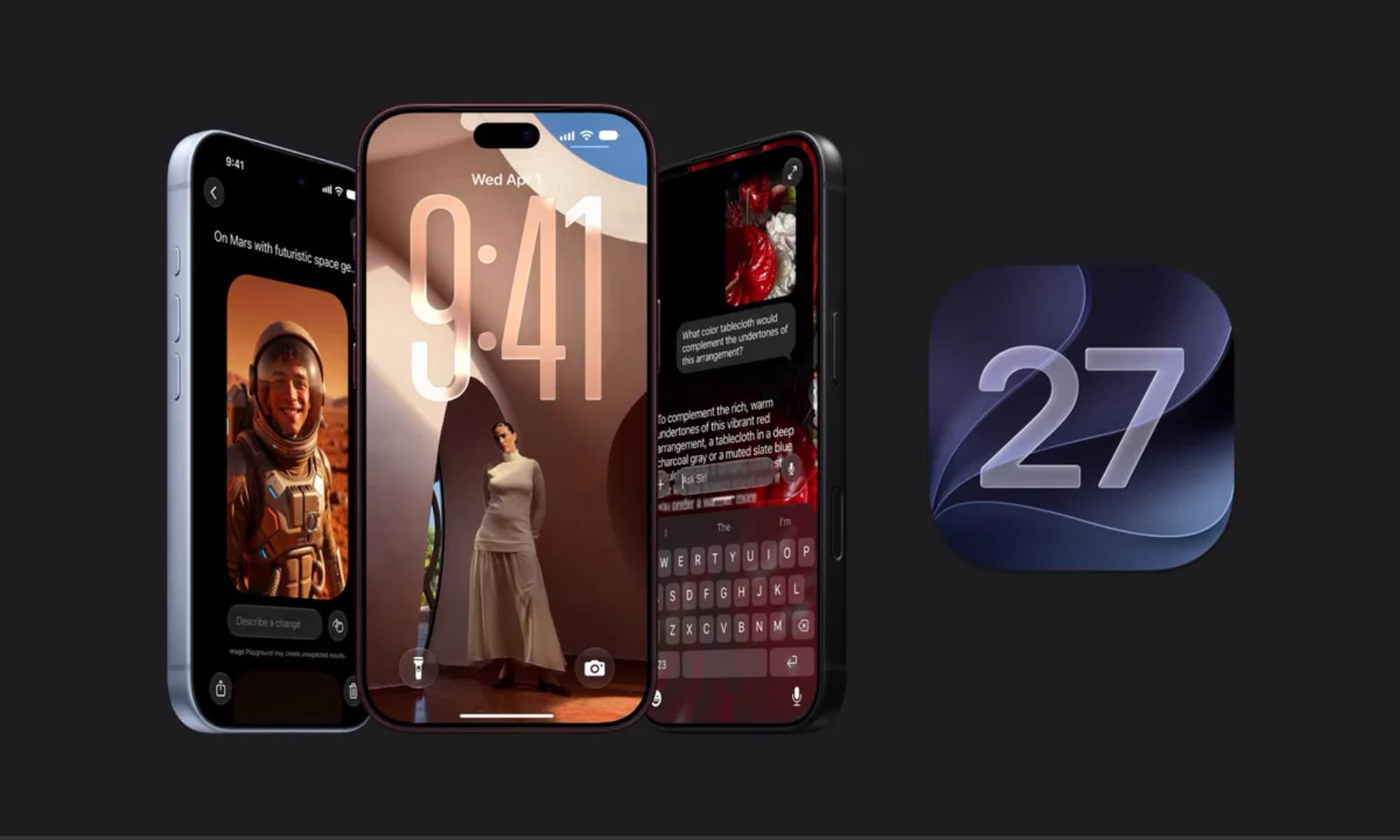
iOS 27 is here with a host of hidden tools, smarter AI, and useful upgrades. Could it change how you use your iPhone?
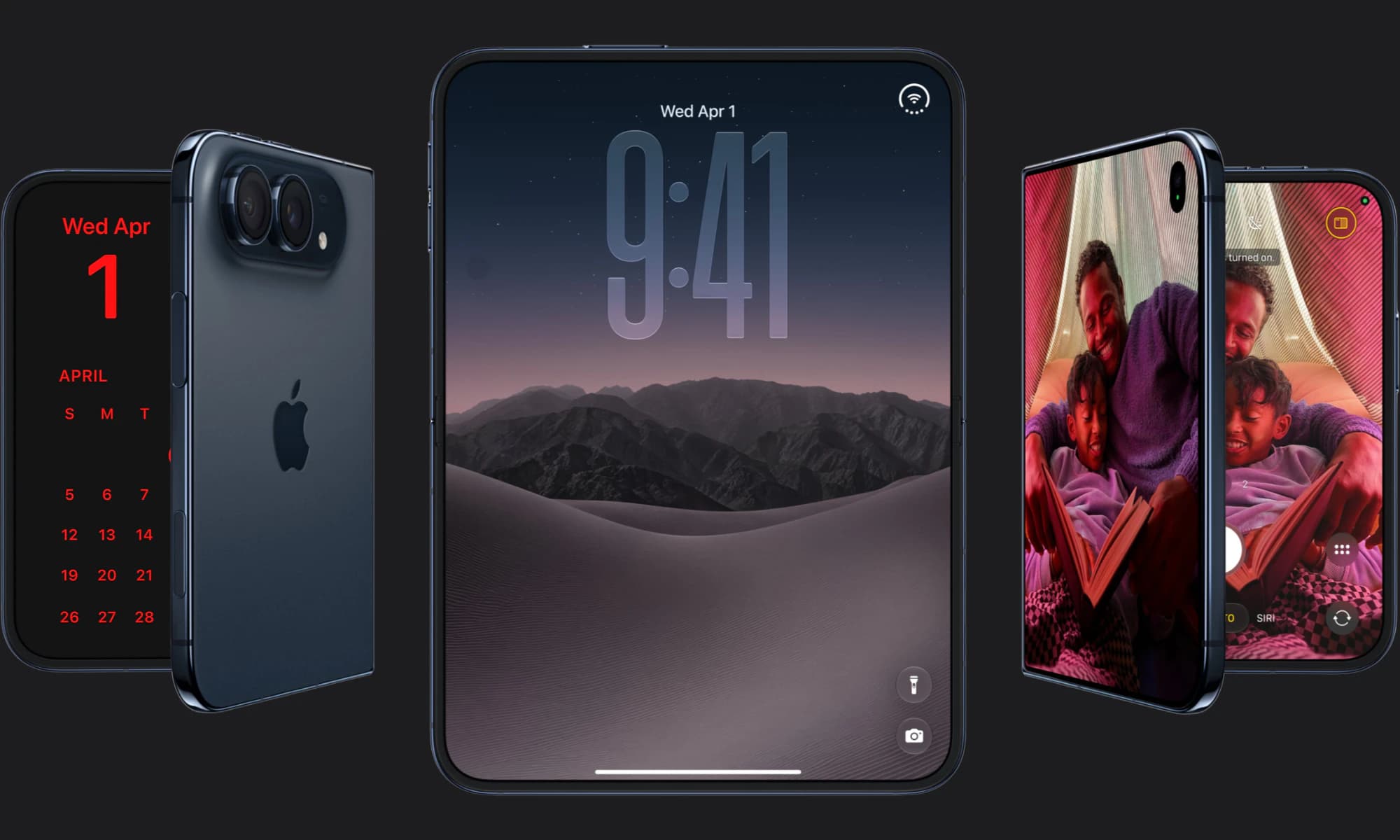
Apple has finally joined the foldable party after seven years, but was it right to wait?
iOS 27 is here! Check out key features and whether your iPhone is compatible.