 0330 123 4609
Menu
iOS 27 is here! Check out key features and whether your iPhone is compatible.

Written by Yasmin Maagbe, Content and PR Executive | Environment and Consumer Electronics
Last updated on 23 September 2026
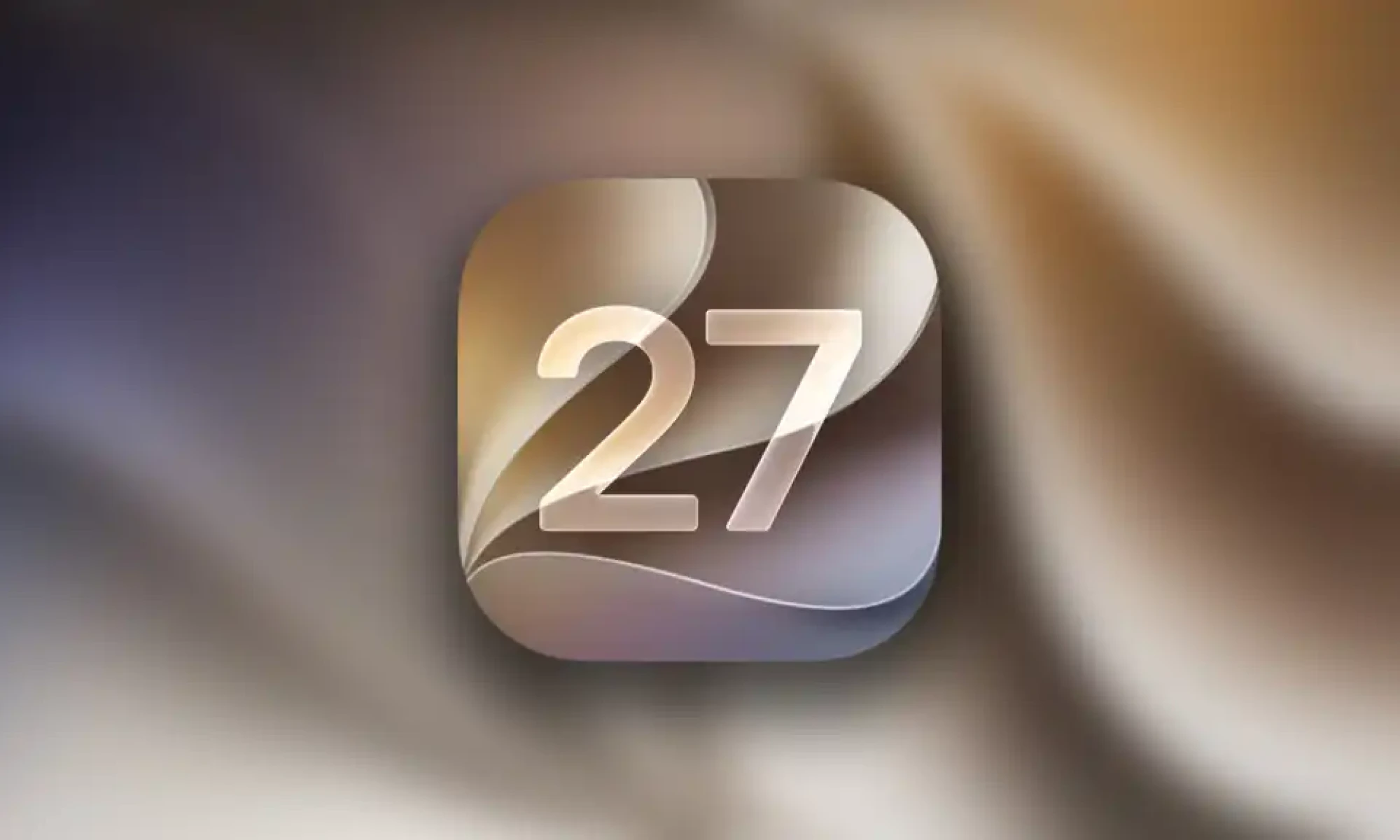
Apple officially announced iOS 27 at WWDC 26, and it's expected to roll out in September 2026. The main upgrades are, of course, AI, improved personalisation, and parental controls. But the key question is: Is your iPhone compatible with iOS 27?
Apple typically offers software updates for devices up to six years, but not all iPhones receive the same iOS experience. Some of iOS 27’s features, such as custom Siri voices, advanced on-device AI and high-accuracy speech-to-text, will be limited to newer models like the iPhone Air and iPhone 17 series. This is due to the newer iPhones having a much larger RAM capacity needed to support the new features.
If you have an older iPhone, you need to check whether it's still supported by Apple. In this guide, we’ll break down:
Let’s dive into the full compatibility list and what it means for your iPhone’s future.
Siri: Siri AI is the headline upgrade. It will understand personal context, search messages, photos and emails, perform actions across apps, follow conversational requests and remember previous interactions. It will be able to find information buried in your communications, create reminders and complete multi-step tasks without switching between apps.
Performance: Up to 30% faster app launches, 70% faster photo loading, 80% faster AirDrop
Design: Refined Liquid Glass with improved readability and adjustable transparency.
Photos: AI image expansion, object removal, Reframe and enhanced Image Playground. This will allow you to expand an image beyond its original frame, remove larger unwanted objects and change perspective of a photo. Image Playground is also becoming more capable, offering more advanced style transformations.
Phone: Call Context surfaces relevant emails, messages and information during call.
Security updates: Automatic password replacement for compromised accounts. Siri will be able to generate stronger replacements and save them automatically. This is perfect for people who regularly ignore password security warnings, making staying protected online a lot easier.
Parental Controls: Ask to Browse, category-based limits and expanded safety protections. This means parents can set separate limits for gaming, entertainment and social media, while features such as Ask to Browse and expanded Communication Safety protections are designed to give children a safer experience online.
AI Features: Next-generation Apple Intelligence powered by Siri AI and Gemini integration.
Here is the full list of iPhones that will receive iOS 27:
iPhone SE (2nd generation), SE (3rd generation)
iPhone 11, Pro and Pro Max
iPhone 12, 12 Pro and Pro Max, 12 Mini
iPhone 13, 13 Pro and Pro Max, 13 mini
iPhone 14, 14 Pro and Pro Max, 14 Plus
iPhone 15, 15 Pro and Pro Max, 15 Plus
iPhone 16, 16 Pro and Pro Max, 16 Plus, 16e
iPhone 17, 17 Pro and Pro Max, 17e
iPhone Air
One notable mention is that the iPhone 11 series will receive the new iOS 27 updates despite being released way back in 2019! We think that’s pretty cool considering how old it is and will most likely be the last major iOS update it gets. Hats off to Apple and iPhone 11 users enjoy it whilst it lasts.
Apple
No, not every iPhone that supports iOS 27 will be able to take advantage of everything Apple’s latest software has to offer. The biggest upgrades included in iOS 27 are heavily focused on AI, meaning some of the most advanced features will require a newer iPhone with the processing power to handle them. Only the iPhone 17 Pro / Pro Max and iPhone Air will receive the full iOS 27 updates meaning that they have the capability to handle this new software due to sufficient RAM storage and simply being powerful enough to do it.
For the iOS 27 AI update, Apple has decided to use a Gemini-based model for Apple Intelligence and Siri features, but not all devices will support this. The good news is that you still have the ability to choose your preferred AI service but it just means you have multiple options as an alternative. In our opinion, iOS 27 is shaping up to be less about adding flashy new features and more about making the iPhone genuinely smarter, faster and more useful in everyday life.
If you're using an older iPhone such as an iPhone 11, for example, you'll still receive iOS 27, but with some limitations.
Here are the models with partial support:
iPhone 17 (excluding iPhone 17 Pro/max/Air)
iPhone 16 series
iPhone 15 series
iPhone 14 series
iPhone 13 series
iPhone 12 series
iPhone 11 series
iPhone SE (2nd & 3rd Gen).
Photo Editing: Generative photo tools including object removal (‘Clean up’) as well as image reframing/extending and Apple has explicitly said that the iPhone 16 series and just the iPhone 17 will have it.
Genmoji & Image Playground updates: This is where you can generate custom images, wallpapers and contact card pictures through AI and Apple has explicitly said that the iPhone 16 series and just the iPhone 17 will have it.
Writing Tools: An AI driven feature that can proofread, rewrite and summarise whatever you want across native apps and Apple has explicitly said that the iPhone 16 series and just the iPhone 17 will have it.
Enhanced dictation experience: A feature where AI is more capable of understanding what you’re saying.
Expressive Siri Voice: A natural-sounding voice variation that enables you to customise Siri’s voice in terms of expressiveness, tone and pace.
As per Apple’s latest report on software updates, you might notice your battery draining. For most users, this is temporary and quite normal as the iPhone needs power to install a major update. Six months down the line however, some users continue to report higher-than-usual battery drain and occasional performance slowdowns. Shortly after installing the update, increased power usage is still considered normal as the system completes background processes such as indexing files, optimising photos, downloading system assets, and updating apps. These tasks can temporarily affect both battery life and device temperature until they finish running.
Overall, battery performance can vary depending on factors such as device age, battery health, and app optimisation. In some cases, background activity from certain apps or new system features may contribute to faster battery consumption, especially on older devices where hardware resources are more limited.
That being said, Apple has a solid track record of maintaining usability across older devices. If you have an iPhone 11 or newer, iOS 27 should still feel stable and a few battery optimising tips might help.
Following the controversial Liquid Glass that launched with the last OS, it looks like Apple has finally paid heed to consumer complaints regarding contrast and readability which can be adjusted in iOS 27. iOS 27 is less about a major visual overhaul and more about making the iPhone smarter, faster and more useful in everyday life. With a significantly more capable Siri, automatic fixes for compromised passwords, powerful AI photo editing, faster performance and new safety tools for families, Apple is pushing its software further into the AI era - and rightly so!
But as more of these features depend on newer, more powerful hardware and Apple Intelligence, the gap between older and newer iPhones is becoming harder to ignore. If your current iPhone can’t take full advantage of iOS 27’s biggest upgrades, it could be a good time to consider selling your phone while your iPhone still holds value.
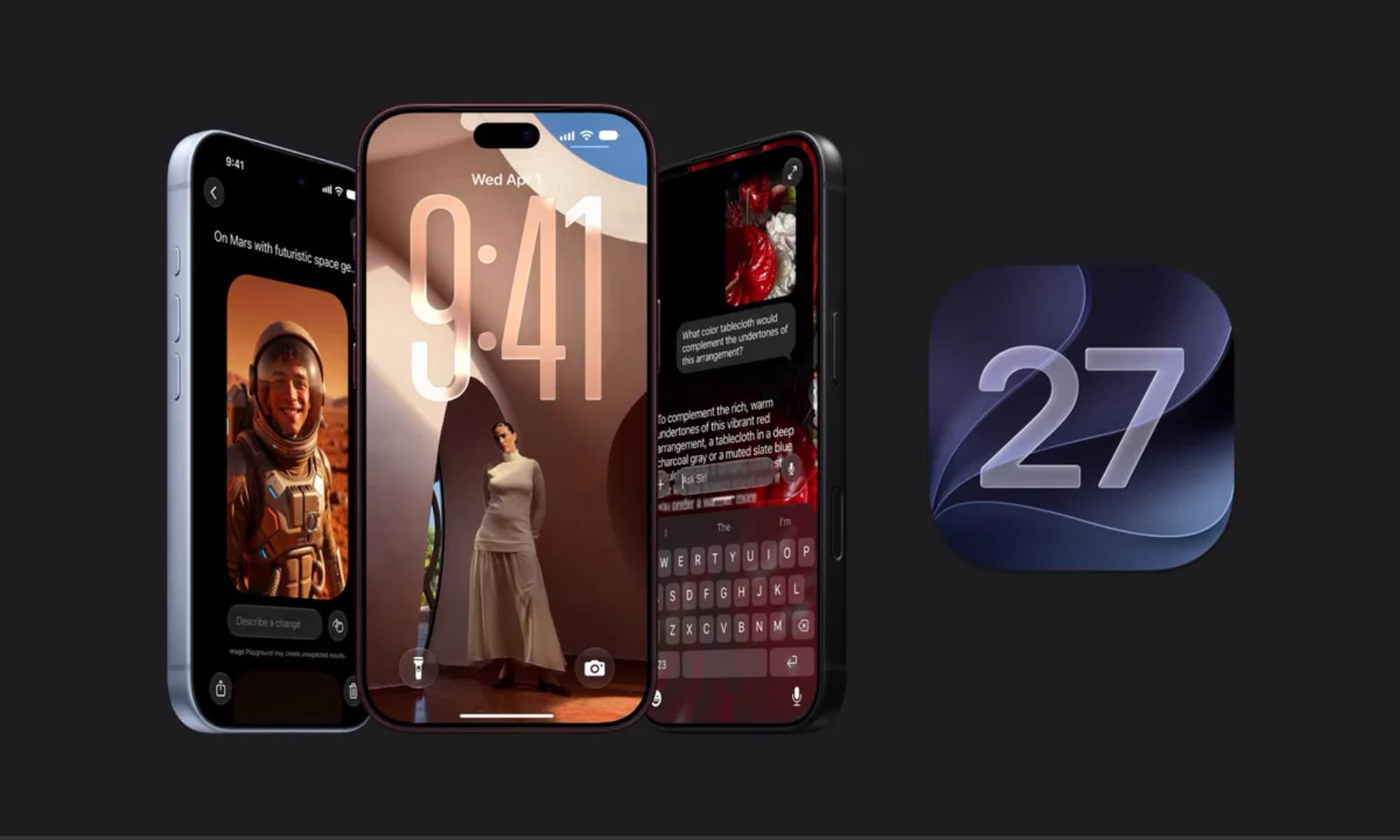
iOS 27 is here with a host of hidden tools, smarter AI, and useful upgrades. Could it change how you use your iPhone?

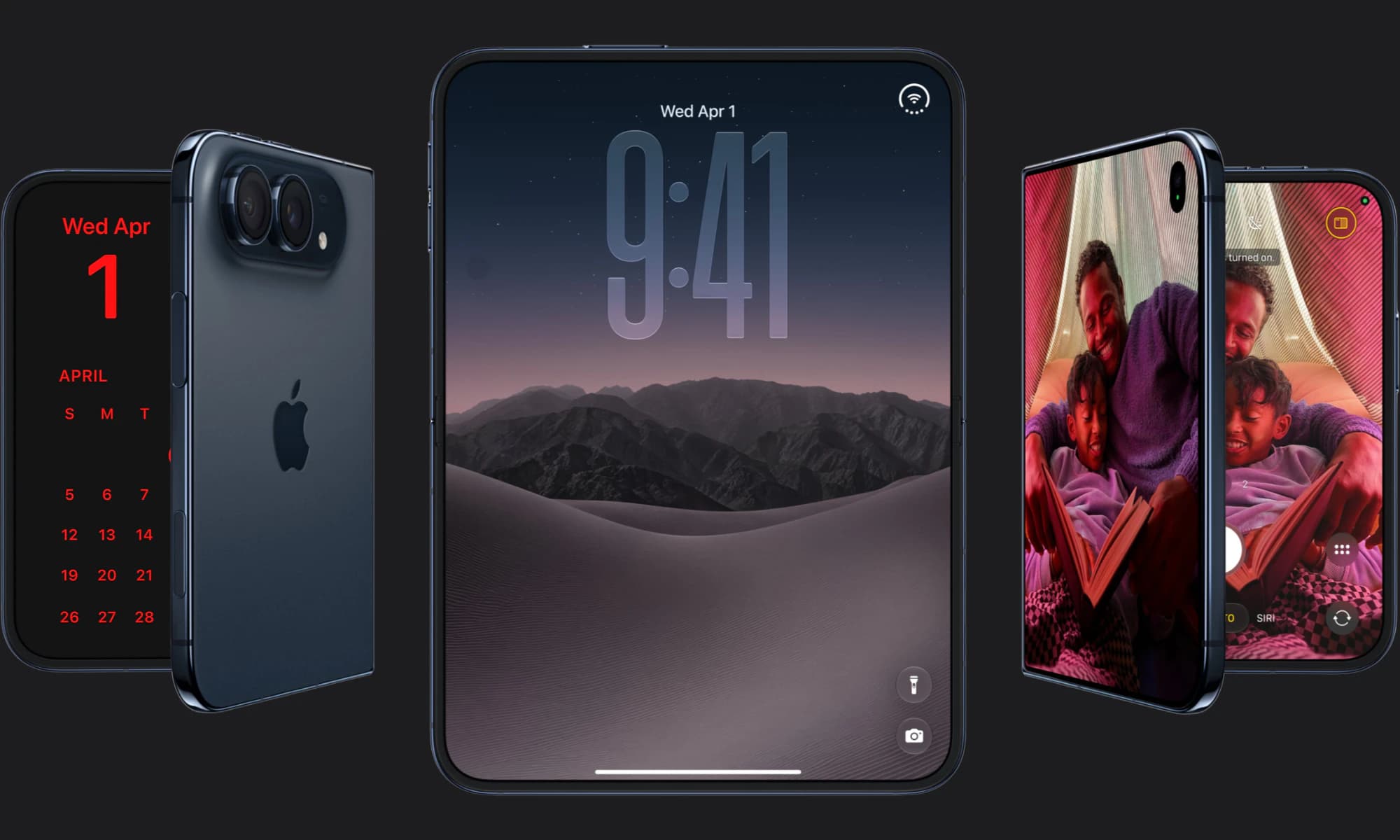
Apple has finally joined the foldable party after seven years, but was it right to wait?
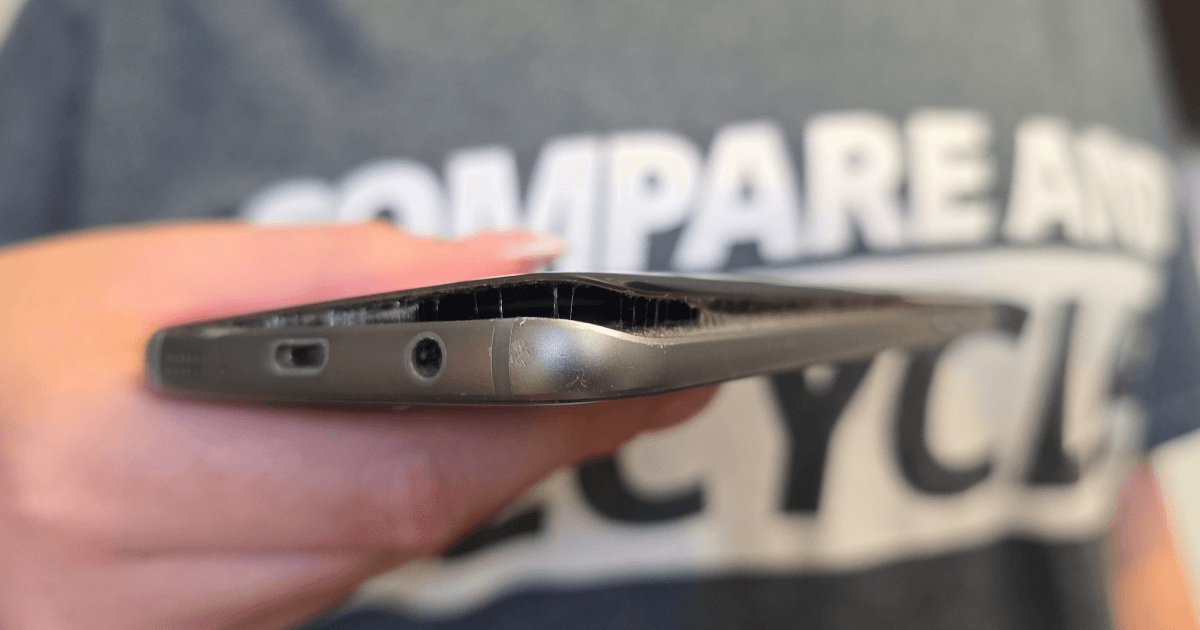
Storing old phones isn’t as harmless as it seems. Here’s why it’s worth digging out your old phone to avoid a hazardous situation.


