0330 123 4609
Menu
In this final part of our Holiday Mode On, we’ll cover how to reduce your chances of becoming a target of phone theft when on holiday, what to do if your phone is stolen and how the right insurance can help you.

Written by Yasmin Maagbe, Content and PR Executive | Environment and Consumer Electronics
Last updated on 3 August 2026

You’ve packed the essentials and made sure you know everything there's to know about roaming charges. But while your smartphone makes travelling easier, holding your tickets, maps, hotel bookings, photos and even your payment cards, it becomes one of your most valuable possessions. So, losing your phone isn’t just about replacing an expensive phone, it's also about regaining access to all your travel plans and personal accounts.
In this final part of our Holiday Mode On series, we’ll look into practical ways to protect your phone while travelling, what to do when the worst happens and explore how phone insurance can minimise the disruption.
Jump to sections:
Is Mobile Phone Insurance Worth It When Going On Holiday?
Best Standalone Mobile Phone Insurance Policies UK
Bank Accounts That Include Mobile Phone Insurance
How To Protect Your Phone From Theft When on Holiday
Taking your phone on holiday these days is basically unavoidable and it’s one of the most valuable items you’ll pack! However, travel increases the risk of theft, loss and accidental damage so it’s definitely worth considering to get a phone insurance.
Insurance2Go’s survey on phone thefts abroad revealed that one in ten (9%) of phones were taken directly from bags, 8% taken out of pockets and 6% snatched straight from the hands. When thinking about taking out phone insurance, it depends on the value of your phone and also whether you have cover elsewhere.
Think about it, if you’re travelling with a premium smartphone overseas worth £800 or more, then replacing it after theft or accidental damage could be pretty expensive. A dedicated insurance policy on the other hand, may cost far less than a repair or replacement abroad. Before buying cover, check whether you’re already protected through your bank, home or travel insurance and compare excess fees, claim limits and worldwide cover.
It’s likely that you already have a phone insurance policy set up, for example through your home insurance. Standard home insurance may offer limited cover for your phone, but many policies exclude accidental loss outside the home or require you to add personal possessions cover.
Similarly, some bank accounts and travel insurance policies include gadget protection, although cover limits and exclusions can vary significantly. Before you opt in to a standalone phone insurance, check what policies you have already and whether they cover personal electronic devices when travelling.
A dedicated mobile phone insurance policy can provide broader protection, including accidental damage, theft, liquid damage and worldwide cover. If replacing your phone would cost a few hundred pounds or more, the relatively low annual cost of insurance may provide valuable peace of mind while you’re away.
Some travel insurance policies include mobile phone cover, but many have relatively low claim limits or exclude accidental damage and loss. Always read the policy carefully before relying on travel insurance alone. Whilst looking into this, it’s also worth checking whether your mobile phone insurance covers theft and accidental damage abroad. Many standalone mobile phone insurance policies include worldwide theft cover, although you’ll usually need to report the theft to the local police and your network provider as soon as possible. Most comprehensive phone insurance policies cover accidental damage worldwide, including cracked screens and liquid damage, although cover varies between insurers. Check the policy terms before you travel.
There are quite a few well-known UK mobile phone insurance providers offering policies suitable for travellers and we’ve listed some below:
Insurance2Go is often one of the most affordable options for annual cover, with basic iPhone policies starting from under £40 per year.
Loveit Coverit is known for its comprehensive policies, including unlimited worldwide cover and protection against liquid damage.
Switched On Insurance offers flexible monthly rolling contracts making it a good option if you don’t want to commit to a full year.
Mobile Phone Insurance Direct also provides standalone cover with a range of policy options for different devices.
| Phone Insurance Company | Phone Insurance Monthly Pricing (Full Cover) | Phone Insurance Annual Pricing (Full Cover) |
|---|---|---|
| Insurance2Go | iPhone 17: £5.99 iPhone 15/16 Pro: £5.99 / £7.49 Samsung Galaxy S26 Ultra: £11.99 Google Pixel 10 Pro: £7.49 | iPhone 17: £59.90 iPhone 15/16 Pro: £59.90 / £74.90 Samsung Galaxy S26 Ultra: £119.90 Google Pixel 10 Pro: £74.90 |
| Loveit Coverit | iPhone 17: £5.99 iPhone 15/16 Pro: £8.79 / £8.99 Samsung Galaxy S26 Ultra: £9.99 Google Pixel 10 Pro: £8.99 | iPhone 17: £59.90 iPhone 15/16 Pro: £87.90 / £89.99 Samsung Galaxy S26 Ultra: £99.90 Google Pixel 10 Pro: £89.90 |
| Switched On Insurance | iPhone 17: £7.25 iPhone 15/16 Pro: £7.25 / £8.25 Samsung Galaxy S26 Ultra: £9.25 Google Pixel 10 Pro: £7.00 | iPhone 17: £72.50 iPhone 15/16 Pro: £72.50 / £82.50 Samsung Galaxy S26 Ultra: £92.50 Google Pixel 10 Pro: £70.00 |
| Mobile Phone Insurance Direct | iPhone 17: £5.19 iPhone 15/16 Pro: £6.69 / £6.69 Samsung Galaxy S26 Ultra: £8.99 Google Pixel 10 Pro: £8.19 | iPhone 17: £51.90 iPhone 15/16 Pro: £66.90 / £66.90 Samsung Galaxy S26 Ultra: £89.90 Google Pixel 10 Pro: £81.90 |
If you’re travelling as a family, it may be more cost effective to insure multiple devices under one policy.
Both Protect Your Bubble and Insurance2Go offer family cover for up to 10 immediate family members living at the same address, including children. Rather than paying for separate policies, family plans can simplify your insurance while potentially reducing overall costs.
For households with multiple devices, Protect Your Bubble also offers multi-gadget bundles, allowing you to insure up to three gadgets together from around £16.99 per month.
Before purchasing a standalone policy, it’s worth checking whether your bank account already includes mobile phone cover!
For example, the Nationwide FlexPlus account costs £18 per month and includes mobile phone insurance for the account holder, alongside worldwide family travel insurance and UK and European breakdown assistance. Similarly, the Halifax Reward account offers technology and travel benefits through an optional monthly package, with the fee potentially waived if certain spending requirements are met.
So it’s definitely worth checking out your bank account and seeing what’s available before you purchase mobile phone insurance elsewhere!
With phone thefts rising every year and tourists being prime targets of phone theft, your phone definitely needs an anti-theft accessory! When you’re travelling in busy areas such as a packed train station, street party events, beaches and even grabbing a meal at a restaurant, pickpockets will see this as a hotspot for theft opportunities.
Here’re our top picks of anti-theft accessories for phones:
Smartphone Wrist / Neck Strap
Crossbody Smartphone Lanyard
Lockable Travel Pouch
Retractable Smartphone Tether
Cycle Shorts (worn underneath clothing with secure pockets).
Before you travel, backup your smartphone to iCloud, Google Drive or Google One or another secure device so your photos, contacts and important data are protected if your phone is lost or stolen.
📱If you have an iPhone, go to Settings -> iCloud -> Storage & Backup.
📱For Androids, navigate to Settings -> Accounts and Backup.
Having a recent backup means you can restore your information and access it from another device if needed.
Make sure your phone’s tracking features are enabled before you travel. iPhone users should turn on Find My iPhone and Send Last Location to Locate, to be able to lock or erase your device remotely, even if it’s offline.
Settings App -> Tap your name -> Tap ‘Find My’ -> Tap ‘Find My Network’ -> Tap ‘Send Last Location’.
Android users should enable Find My Device (Find My Hub) and Find My Offline Devices to help locate their phone, even if it has no battery. These features siwtched on are invaluable if your device is stolen or simply misplaced.
Settings App -> Tap Security -> Tap ‘Find Hub’ -> Turn on ‘Allow Device To Be Located’
If you want to find a device that is offline or devices with no battery, do this:
Settings -> Tap ‘Google’ -> Tap ‘All Services’ -> Tap ‘Find Hub’ -> Tap ‘Find My Offline Devices’
Finally, enable two-factor authentication (2FA) on key accounts such as email, banking, and Cloud storage, but don’t rely solely on your phone for verification codes. Save recovery or backup codes in a secure place before you travel and if possible, take a spare phone so you can access your accounts, contact your insurer or remotely lock your device. It’s also worth letting a trusted family member or friend keep copies of important recovery information.
So as you can probably tell, if you’ve been following our travel series, taking your smartphone abroad isn’t as straightforward as you may have thought. From choosing the right protective gear, understanding which roaming package you may have and deciding the right phone insurance, there’s always more to protecting your smartphone when on holiday.
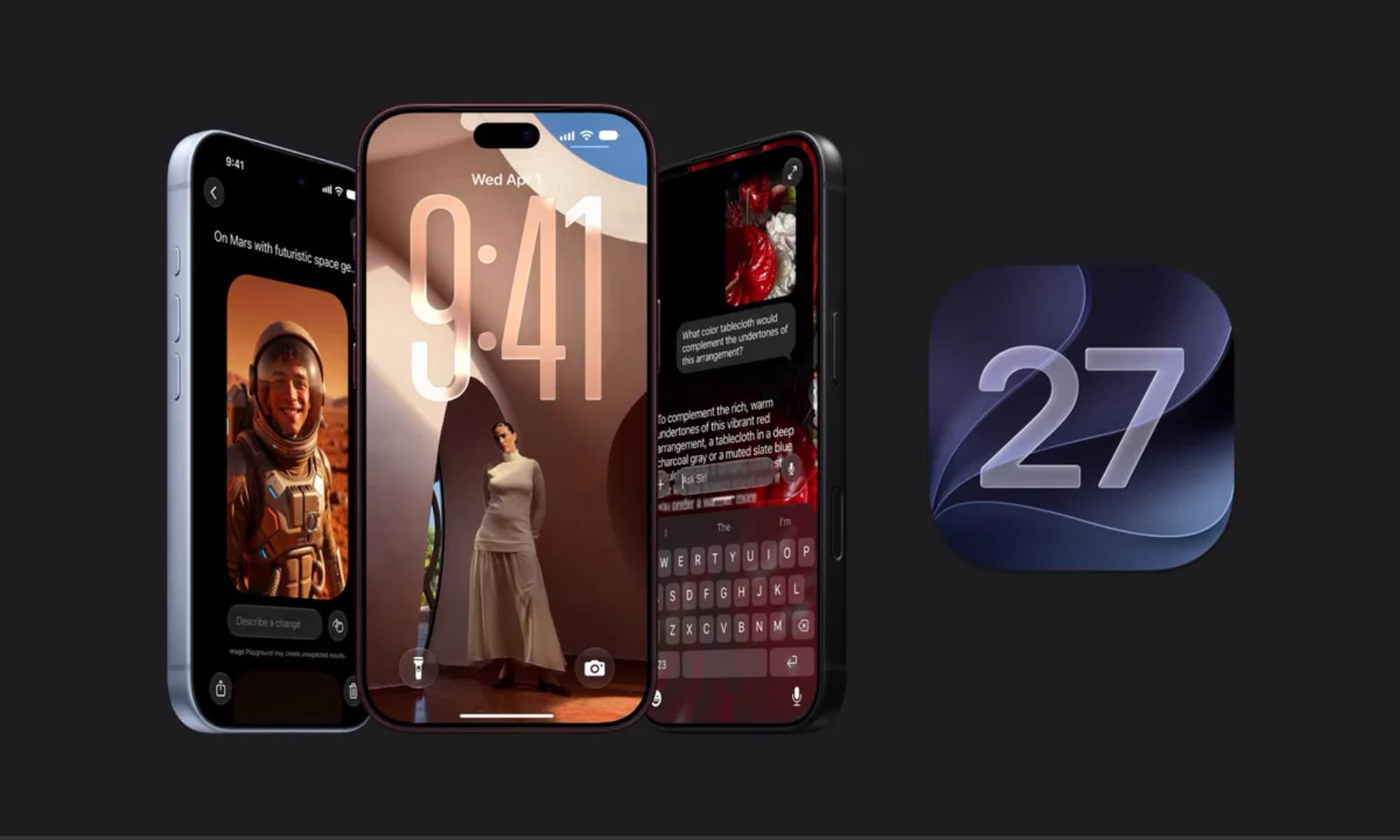
iOS 27 is here with a host of hidden tools, smarter AI, and useful upgrades. Could it change how you use your iPhone?

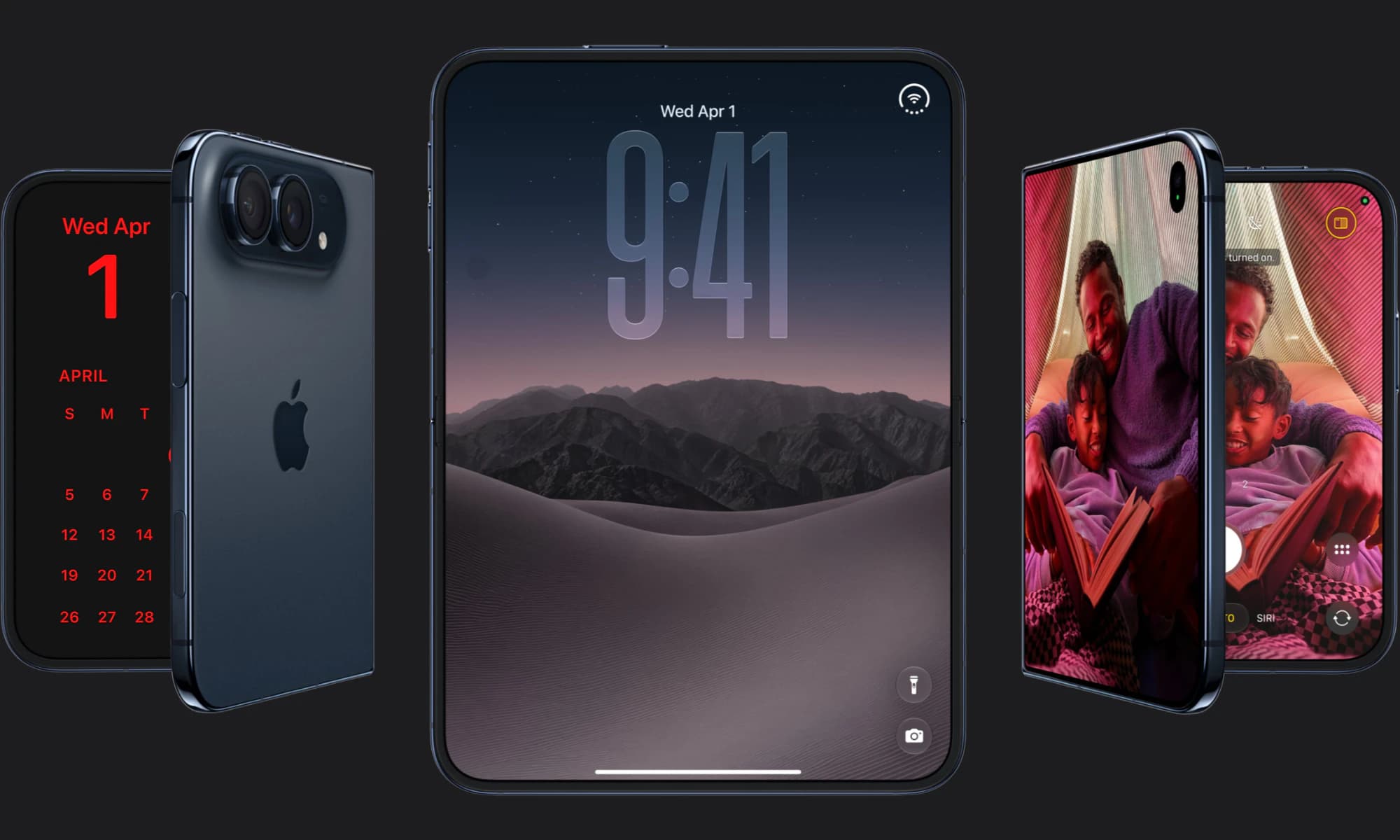
Apple has finally joined the foldable party after seven years, but was it right to wait?

iOS 27 is here! Check out key features and whether your iPhone is compatible.