0330 123 4609
Menu
Having your phone stolen can be scary but most people don’t know the steps to take after. With the rising cases of phone theft, we’ve compiled a list of things you should do as soon as it happens.

Written by Yasmin Maagbe, Content and PR Executive | Environment and Consumer Electronics
Last updated on 22 July 2026
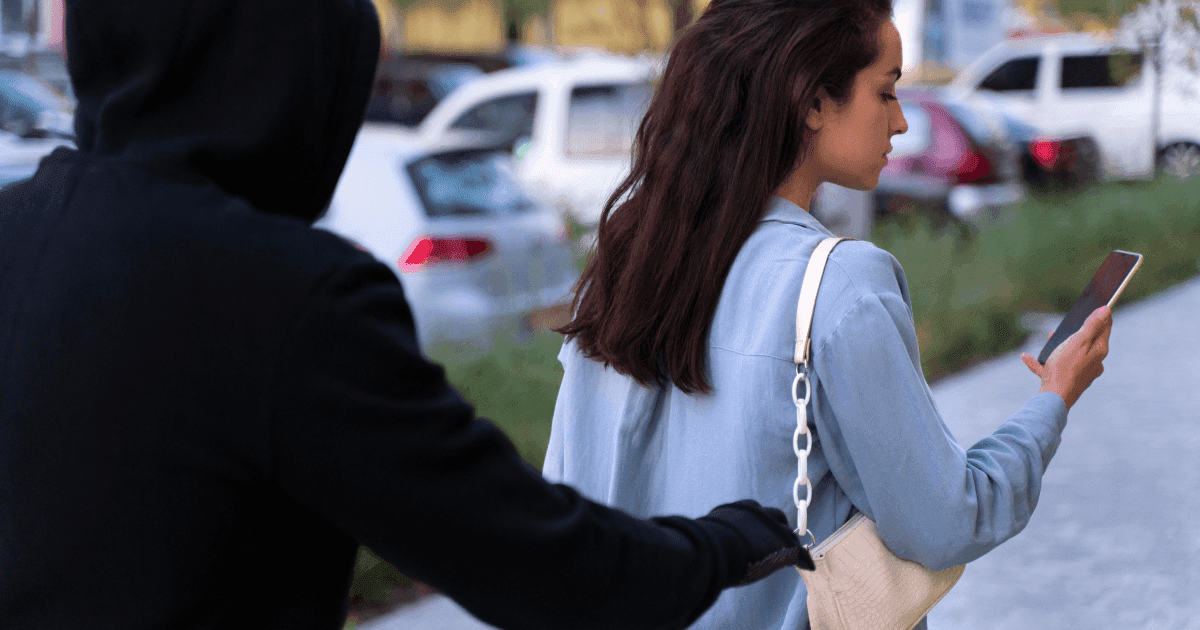
Most recent data shows that there were 115,261 phone thefts across London. To put it into perspective that's 12.7 phones stolen for every 1000 people. In 2025 it was reported that criminals are now taking it a step further with phone theft, stealing victims online banking login details and committing fraud worth of £1000's in the blink of an eye. Phone theft occurs in a number of public places such as parks, bus stops and busy shopping centres with the criminals often being on the bike for an easy swipe. This alarming trend highlights a growing epidemic where smartphone users are becoming prime targets for thieves and it seems as though the countermeasures to tackle this are pretty insufficient. Keep reading to find out what crucial steps you need to take if your phone is stolen and how to protect your personal information and data.
Having your phone stolen can be scary and one of the main things you should do is stay calm and assess the situation. Here’s what you should do to best protect yourself and data from theft.
Get home or somewhere you can access your iCloud / Google account to track your stolen phone through Find My tool.
While logged into your cloud account, secure your phone via reporting it as stolen and factory reset it remotely to protect your data.
Call your network provider to report your phone as stolen so they block it for you.
Contact the police on 101 to report your phone as stolen by providing them the phone’s IMEI number.
You should try tracking your phone by using built-in apps such as: Find My iPhone (iOS) or Find My Device (Android). These tools can help you to locate your device or at the very least, see if it’s still powered on and give you an idea of where it was last active. If you’re not able to do this and the recovery of your mobile phone seems unlikely, you should factory reset your device remotely so it’s wiped of your data. It is crucial to call your network provider so your phone can get blocked and any further usage will be prevented. Similarly, report it to the police so your phone is listed as stolen on their database. It is important to do all of these steps as soon as possible.
Another vital step is to secure all your financial data. If you use online banking, then make sure that you contact your bank as soon as possible to block access to your banking app from that device and block your cards. If thieves gain unauthorised access to your bank accounts, it will be hugely detrimental.
Begin changing the passwords for any other important accounts linked to your phone e.g. email, banking as mentioned above, cloud accounts and social media. This prevents thieves from accessing these accounts even if they manage to get past your phone's security. Monitor your accounts closely for any suspicious activity as thieves may attempt to use your information for fraudulent purposes. It’s also a good idea to inform your contacts about the theft so they can be cautious of any unusual messages they might receive from your phone as phishing attempts and scams through messages are another issue on the rise.
The good news is that the Metropolitan police now offer thief deterrents in the form of visible stickers or UV / DNA marking as an invisible deterrent. Visible stickers act as a clear warning to thieves, whilst invisible markings help police identify and recover stolen property if it is later found. The City of London also gets ‘Blue Plaques’ to mark phone theft hotspots. These signs are designed to raise public awareness in areas where phone snatching is particularly common, reminding people to stay vigilant and keep devices secure. We think this is a good initiative which aims to encourage safer behaviour and reduce opportunities for theft.
It is advised to completely wipe your stolen phone which luckily you can do remotely from any laptop or tablet. You will need your iCloud or Google account logins to do this.
Open any internet browser and go to icloud.com to log into your Apple ID remotely.
Click on your user profile and locate the option “Find Devices”.
From the list of connected devices click on your iPhone and tap on the option “Mark as Lost”. By doing this, your iPhone will activate its passcode lock and you will be prompted to enter a message which will be displayed on the screen and if found you can be contacted.
Next, click on the option “Erase This Device” which will initiate factory reset on your phone. You will be asked for your Apple ID password to initiate the erasure.
If your iPhone is offline, you will see the “Erase Pending” status. The remote erasure will begin when the iPhone next connects to any Wi-Fi or cellular network.
Go on the internet and log into your Google account at www.google.com/android/find/
On the left hand side of the screen, choose the stolen device and click on the “Secure Device” option which will lock your phone with its PIN or password.
Next click on the “Factory Reset Device” option, which will prompt you to log into your Google account to perform the reset.
If your stolen Android is offline, the factory reset will start when it’s next connected to a Wi-Fi or cellular network.
Android is constantly improving their safeguarding measures and this includes their Android 17 security features. The ‘Mark as Lost’ feature within Find Hub has been upgraded so that it now requires biometric authentication (face scan or fingerprint) to unlock your device. This means that even if a thief watched you put in your PIN / password before stealing your phone, they will not be able to turn off location tracking or gain access to your phone without biometric identification. Android 17
automatically hides the Quick Settings, blocking all new Wi-Fi and Bluetooth connections. This is particularly helpful because it means that it prevents criminals from connecting the phone to a rogue network and ultimately bypassing tracking.
Mobile phones today are probably the most expensive gadget that people carry around day to day making it a prime target for theft. Not to mention the high resale value, wealth of personal data especially financial information and compact size, making it extremely easy to steal. Once stolen, it’s pretty simple to flip for cash which often happens through shady mobile pawn shops or online marketplaces. This can make it hard for mobile phone owners when trying to recover their device, fuelling this lucrative black market.
However, at Compare and Recycle all of our trusted recyclers on site do not accept the sale of stolen phones. Upon receipt the mobile phone and its IMEI number is checked against police records and blacklists. This means you can have peace of mind that if you find that your phone has been stolen, rest assured it won’t be resold with us. We advise people to find out exactly how to remove data from all of your devices, especially if you’re thinking of selling it or recycling it. This ensures that you are completely covered when it comes to data vulnerabilities in the future.
Stay alert in crowded areas and avoid using your phone openly where it can be easily snatched.
Store it in a zipped bag or deep pocket to keep it secure and less accessible to thieves.
Yes. Phone straps and secure cases can help prevent grab-and-run thefts.
Best security features for Android users:
Theft Detection Lock - Settings > Google > All Services > Theft Protection > Theft Detection Lock. This feature is AI which protects your phone the moment it senses a theft attempt.
Offline Device Lock - Settings > Google > All Services > Theft Protection > Offline Device Lock. This feature helps protect your device if it is stolen and disconnected from the internet, making it harder for thieves to access or use it.
Identity Check (Google Pixel) - Settings > Google > All Services > Theft Protection > Identity Check. This feature helps prevent thieves from taking over your phone, even if they know your PIN, by requiring your fingerprint or face for sensitive actions.
Best security features for iPhone users:
Stolen Device Protection - Settings > Face ID & Passcode > Stolen Device Protection > Turn On Protection. This feature helps stop thieves from using a stolen passcode to access sensitive features, requiring Face ID instead. Stolen Device Protection will be on by default in iOS 26.4.
Locked and Hidden Apps - Hold down app > Select ‘Require Face ID’. This means that in order to access this app, you must use Face ID and a password cannot bypass this meaning banking apps or other apps containing sensitive data can be protected if your iPhone is stolen.
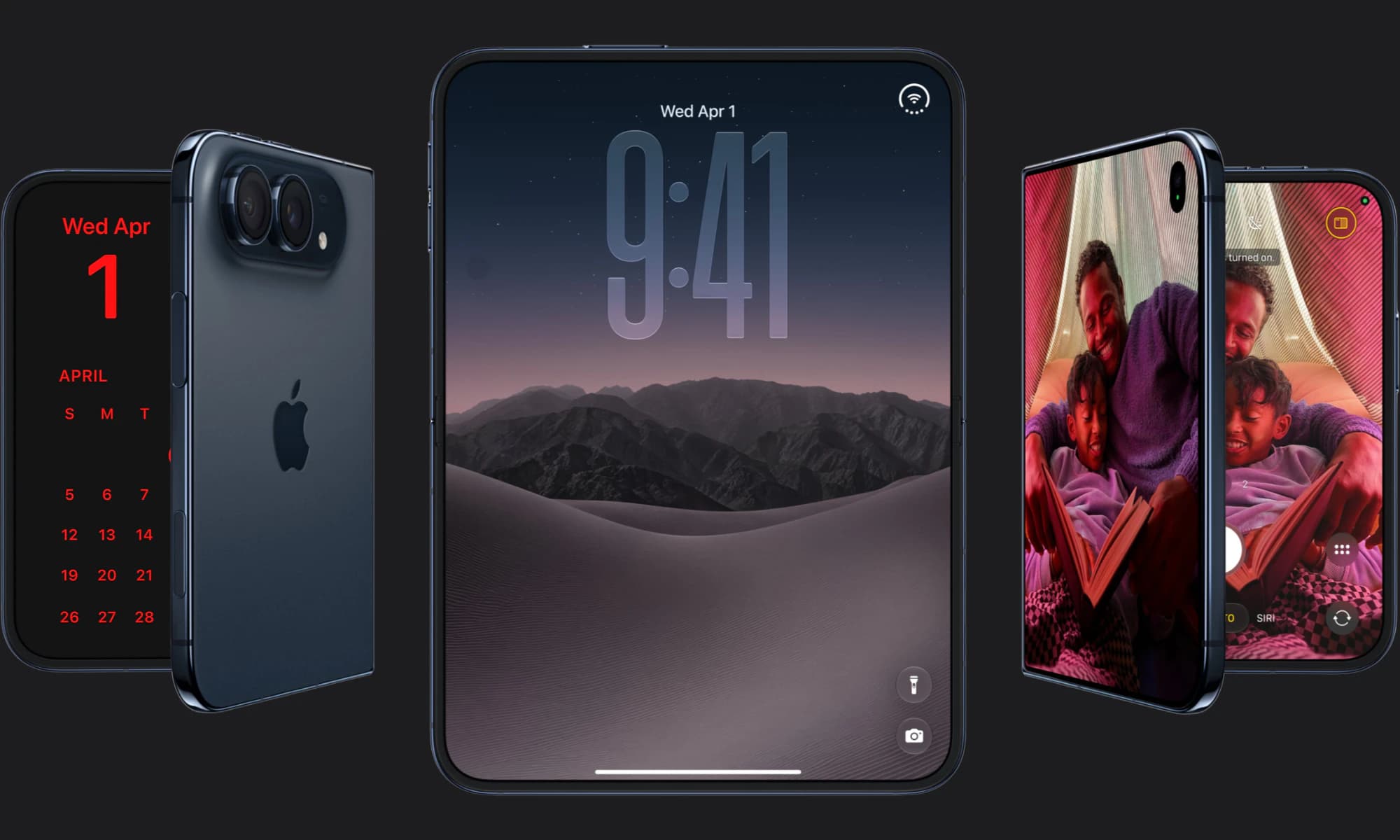
Apple has finally joined the foldable party after seven years, but was it right to wait?


iOS 27 is here! Check out key features and whether your iPhone is compatible.
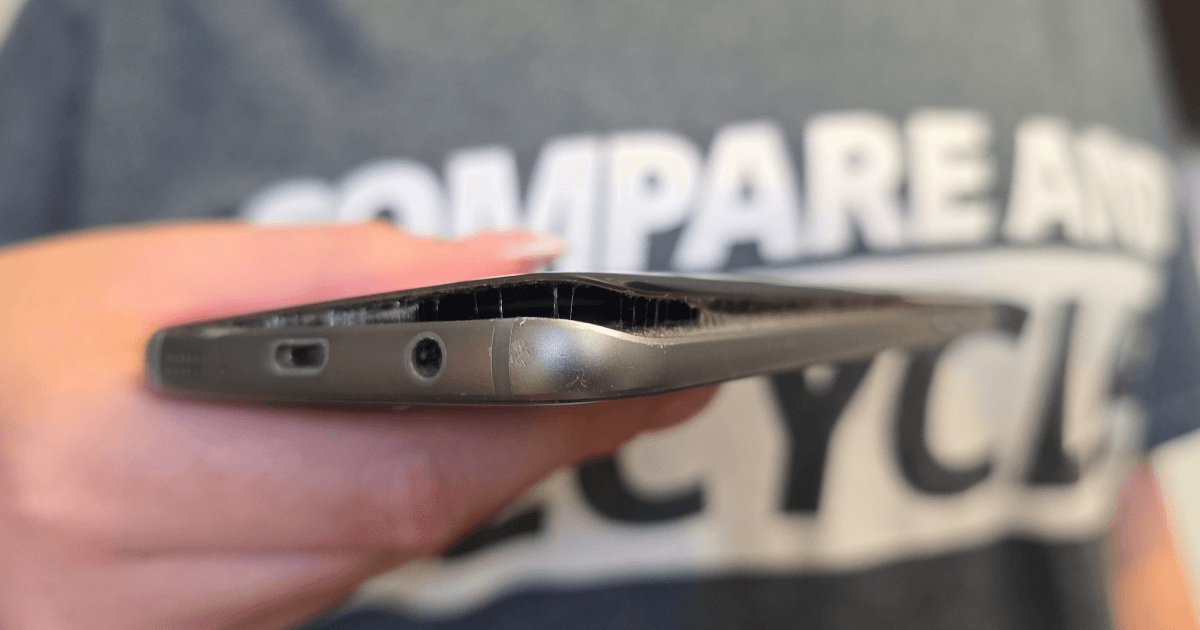
Storing old phones isn’t as harmless as it seems. Here’s why it’s worth digging out your old phone to avoid a hazardous situation.