0330 123 4609
Menu
A detailed guide to help you recycle your iPad, from factory resetting it to choosing the best option for disposing of it.

Written by Sneha Kashyap, Content and PR Executive | Conscious Consumption and Tech Trends
Last updated on 7 October 2026
Got an old iPad you no longer use? You have several options for giving it a new life or disposing of it responsibly. Depending on its model and condition, there are a myriad of options for recycling it, be it selling it for cash or donating it to a charity.
Before you give away your iPad, however, you must back up your data and erase your personal information. Once your iPad is ready, you can decide if you want to make money from your old device and choose how to recycle it.
In this guide, we'll explain what to do with an old iPad, how to wipe it safely and the different ways you can recycle or dispose of it in the UK.
If you're not sure what to do with your old iPad, there are several options:
Sell it for cash: If your iPad is working or repairable, you may be able to sell it to a tech recycling company.
Trade it in: Apple and other companies offer trade-in programmes for eligible iPads.
Donate it: If your iPad is still working, you could donate it to a charity or organisation that accepts electronics.
Reuse it: An older iPad can still be useful for reading, streaming, browsing the web or other everyday tasks.
Recycle it: If your iPad is damaged, obsolete or no longer useful, you can take it to an appropriate electrical recycling facility.
Whichever option you choose, make sure you back up your data and erase your iPad before handing it over.
Find Out What Your Old iPad Is Worth
Your old iPad could be worth more than you think. Compare offers from multiple recyclers to see how much you could get for your device.
The best way to wipe an iPad is to back up your data, sign out of your Apple Account and use Apple's "Erase All Content and Settings" option. This removes your personal information and restores the iPad to its factory settings. Remember to erase or transfer your eSIM and cancel your AppleCare plan, if you’ve got either/both.
If your iPad is still signed into iCloud, don't manually delete your photos, contacts or other files one by one. Apple warns that manually deleting iCloud-synced content can also remove it from iCloud and your other connected devices. Instead, make sure your data is backed up and then use Erase All Content and Settings to prepare the iPad.
To sign out of iCloud and iTunes, go to Settings → Click on your name → Scroll down and click Sign Out → Enter your Apple ID → Sign Out.
iPad Ready to Go?
Once you've backed up your data and erased your personal information, your iPad is ready to find a new home.
From selling your iPad for cash to taking it to your local recycling centre, there are so many options for you to recycle your iPad. Many people don’t realise that you can earn money from your unused iPad whilst also doing your bit for the environment.
The popularity of the iPad means it holds its value for far longer than most other tablets, so you can get a good price when selling your iPad for cash.
At Compare and Recycle, we take the faff out of finding the best price for your iPad, tablet, or mobile phone. We compare all the recyclers that want to buy your iPad, and all you need to do is choose the offer that best suits your needs!
So here’s how to compare and recycle your iPad for cash:
🔍 Search for your ipad
🛒 Choose an offer
💷 Send your iPad off to get paid!
The amount you can receive will depend on factors such as your iPad model, storage capacity and condition. Older or damaged devices may be worth less, but even a broken iPad could have value depending on its condition and the recycler's requirements.
74.7 million metric tonnes of e-waste will be generated by 2030, and every ipad recycled makes a difference!
Apple’s Trade-In program is a convenient option, particularly for loyal Apple customers, but it’s not always the most lucrative.
You can trade-in online or at an Apple Store and receive Apple Store credit. However, the trade-in value may be lower than what third-party recyclers offer and you can only spend the store credit with Apple. Apple does refurbish or recycle all accepted devices and even accepts accessories, which is great for responsible recycling — but if you're looking for cash, you will have a better chance finding a deal with a higher payout on a recycling comparison site.
Before accepting a trade-in offer, check:
How much you're being offered
Whether payment is cash, credit or a gift card
Whether the company accepts your iPad's condition
How you need to send or hand over the device
What happens if the condition differs from the information you provided
If you're looking for a cash payment, comparing recycling offers can help you find out what's available before you commit to one company.
Taking your iPad to a local recycling centre is a popular option if you’ve done your research and found that you won’t get much money back for your iPad. This option also guarantees it will be off your hands and responsibly recycled. You should do your research and check which recycling centre near accepts electronics, then follow the instructions to ensure you know exactly what to do to prepare your iPad for recycling.
Bear in mind that even though you’re not going through a trade-in or sale process, you still need to ensure that you have correctly backed up and wiped your iPad before taking it to the recycling centre.
You can also check your council’s website for their WEEE recycling services, which, in most cases, include collection services for your unwanted electronic items.
It’s always best to read through the information on their website to see which electronic items can be collected and whether or not there is a fee. Remember to back up and wipe your iPad before handing it over, even if you're taking it to a recycling centre rather than selling it.
Charity donations don’t stop at clothes and books; they can include your old iPad too!
Most UK charities accept working electronics, and it’s a great way to get involved in a good cause. As always, make sure you have removed your data from the device before giving it away. If your iPad is not working or is severely damaged, however, you should consider other recycling options listed above.
Below are some charities that accept iPad donations that are in working order:
The BHF allows you to donate your iPad and other tech gadgets that have a plug and are in working order. Donations received are used as funding for lifesaving research, which essentially gives your device a new lease of life.
This charity uses iPad donations to tackle the digital divide, providing the opportunity for those who do not have the means to be connected to gain access to tech and digital upskilling training, which supports their journey into independence and employment.
When you donate your iPad here, it will be refurbished and given directly to a child in need. If your iPad cannot be repurposed, then it is sold on and the proceeds will then be used to support disadvantaged children across the UK.
You don't necessarily need a perfectly working iPad to recycle it. Depending on the model and the extent of the damage, a broken iPad may still have value to a recycler. Some devices can be repaired or refurbished, while others may be processed for parts or material recovery.
When describing your iPad to a recycler, be honest about its condition. Whether your iPad has a cracked screen, dead battery, or faulty camera, make sure to mention it when you complete the recycling form. The more accurately you describe the device, the more likely you are to receive an offer that reflects its actual condition.
As you can see, there are plenty of responsible and convenient ways to recycle your old iPad, from selling it for cash or trading it in, to donating it to a charity that gives it a second life. Whether your iPad is fully functional, slightly damaged, or completely broken, there's an eco-friendly option out there for you.
Compare iPad Recycling PricesSo instead of throwing away your old iPad, take advantage of the recycling options listed in this blog. You’ll not only reduce environmental impact, but might also make some money or help someone in need. Whatever your reason for disposal, recycling your iPad is the smart and sustainable choice.
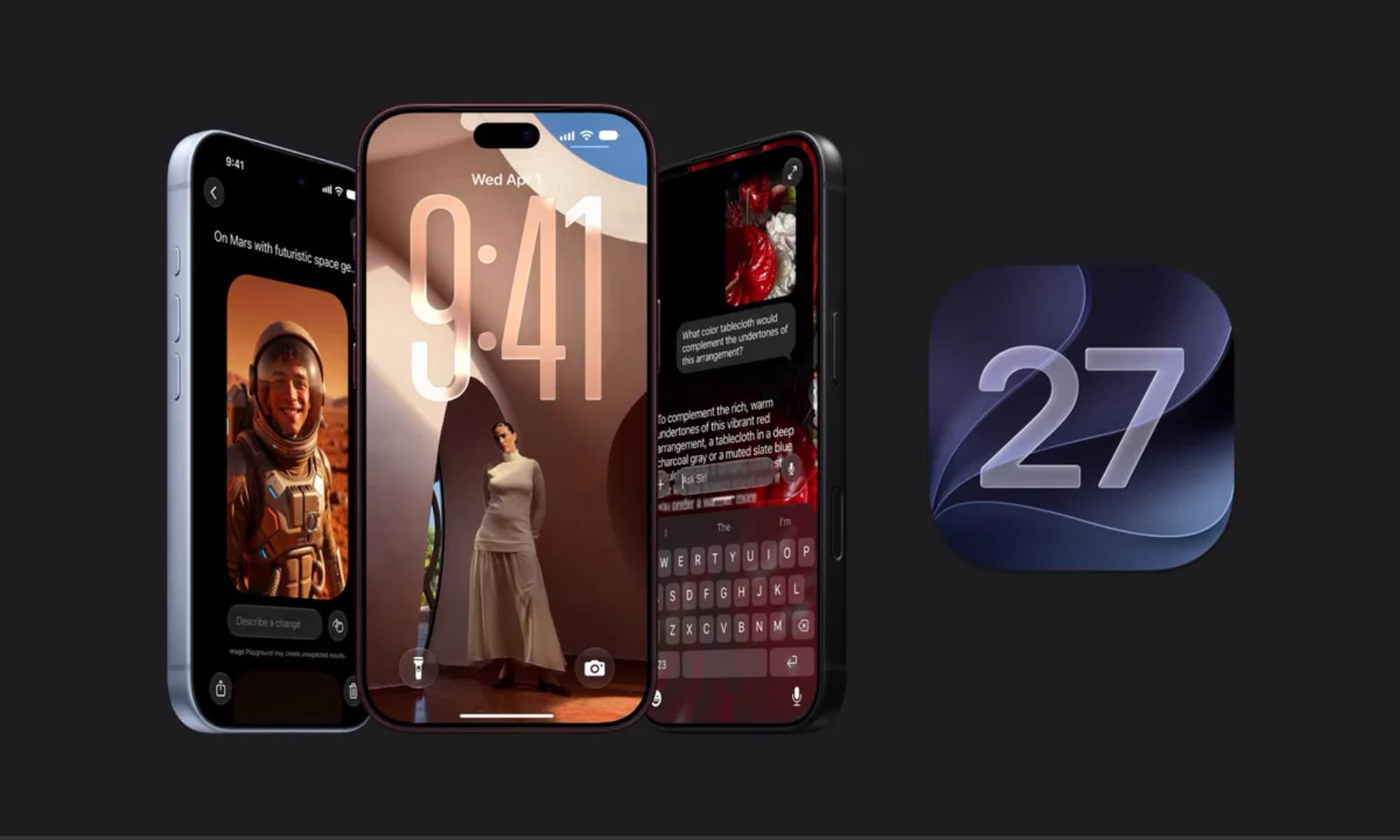
iOS 27 is here with a host of hidden tools, smarter AI, and useful upgrades. Could it change how you use your iPhone?
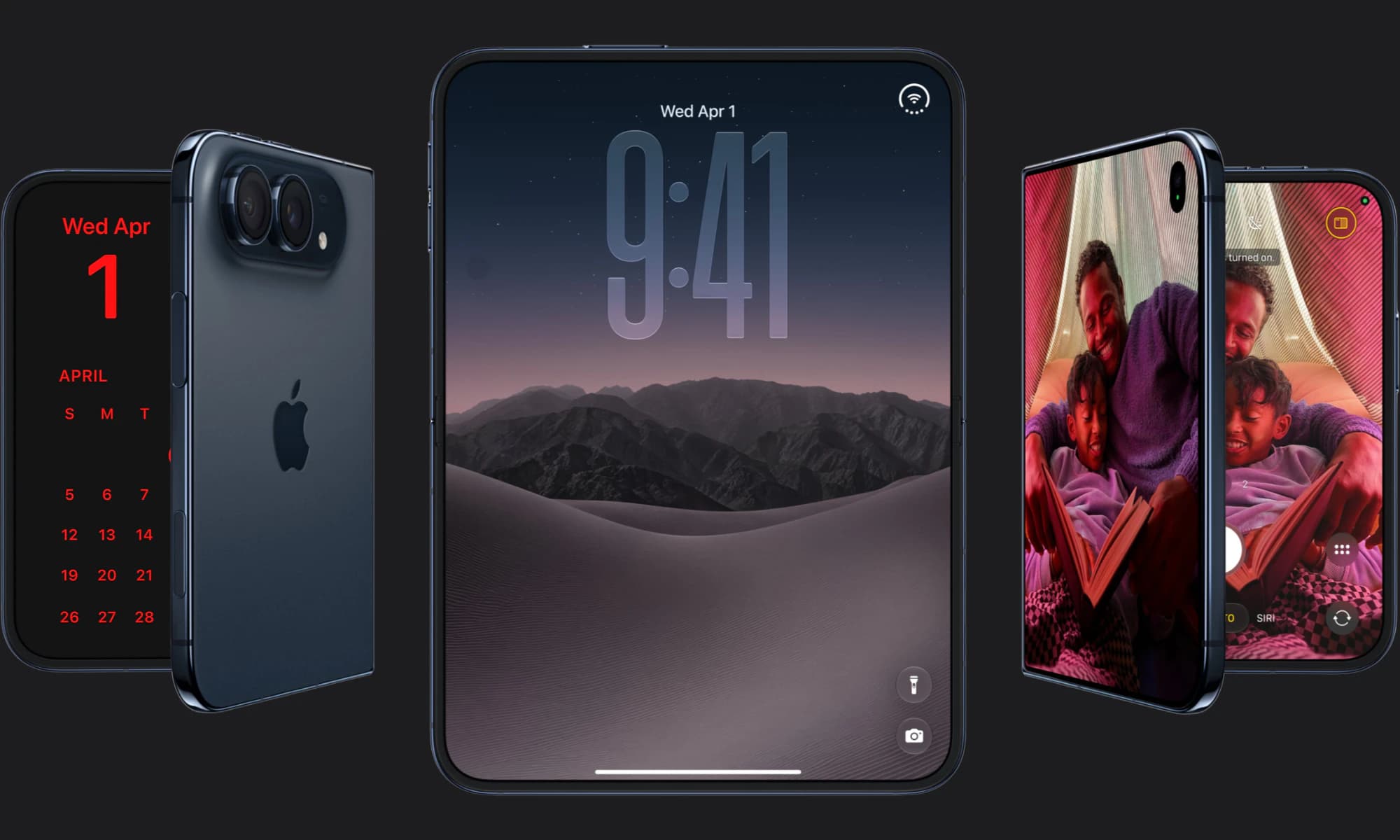
Apple has finally joined the foldable party after seven years, but was it right to wait?
iOS 27 is here! Check out key features and whether your iPhone is compatible.